// press kit
Press kit.
Hi-res screenshots, the app icon, and app information. For anything else, get in touch: [email protected]

- Developer
- Neil
- Price
- Free with in-app purchase
- Platforms
- iOS 18.2+, watchOS 11+
- Latest version
- 2.0 (July 2026)
- Languages
- English
- Contact
- [email protected]
- Social
-
X / Twitter: @crabpolygons
Bluesky: @crabpolygons
- App Store
- wrist/off
About wrist/off
Short description
wrist/off puts big colourful buttons on your Apple Watch and iPhone that fire webhooks and HTTP requests.
Long description
wrist/off turns webhooks and HTTP requests into buttons you can press from your Apple Watch, watch-face complications, iPhone Home and Lock Screen widgets, Siri, or — on watchOS 26 — the watch's Control Center. Set the URL, method, headers, body and auth; press the button; see the real HTTP status code on your wrist. Free to download, with a one-tap in-app upgrade for unlimited buttons. No analytics, no tracking, no servers.
About the author
Neil is an indie creator working on various apps and other ill-advised and ill-defined projects (such as Widget Cast).
Video loops
Press → spinner → 200
312×312 · mp4 / webm
Press → spinner → fail
312×312 · mp4 / webm
Images
Click to open full-size, or hit download.

Wordmark (transparent)
2800×720 · png
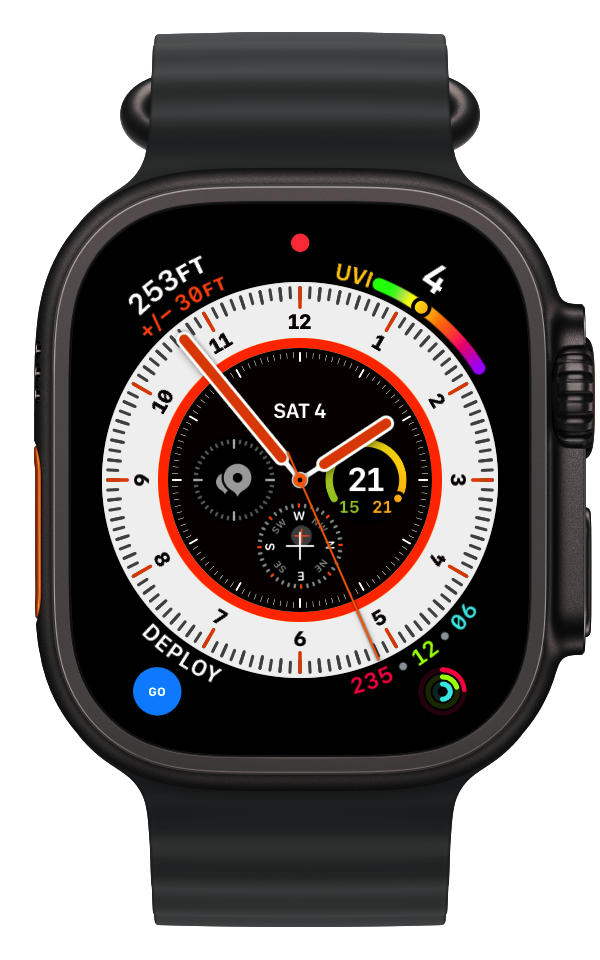
Complication on a watch face — ready
600×960 · png
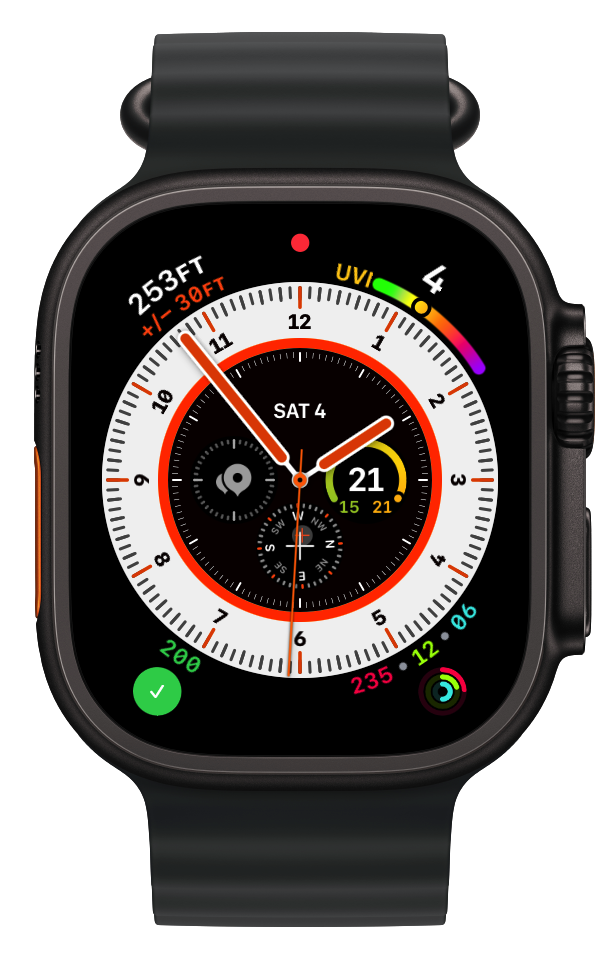
Complication on a watch face — 200
600×960 · png
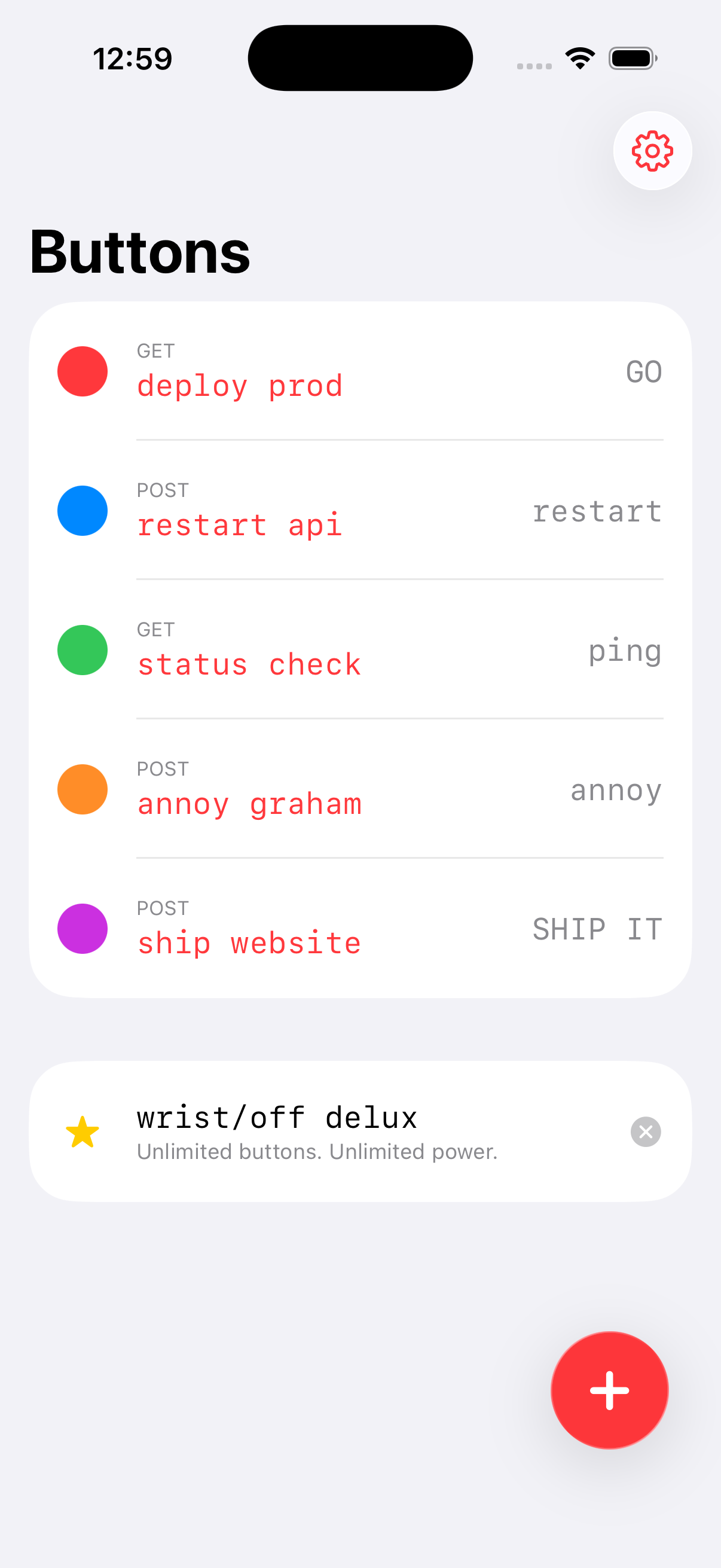
iPhone button list
1206×2622 · png
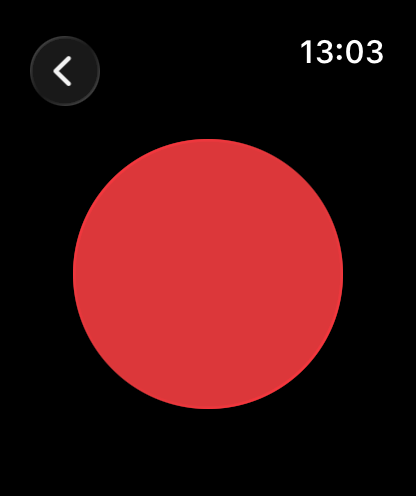
Watch — the big red button
416×496 · png
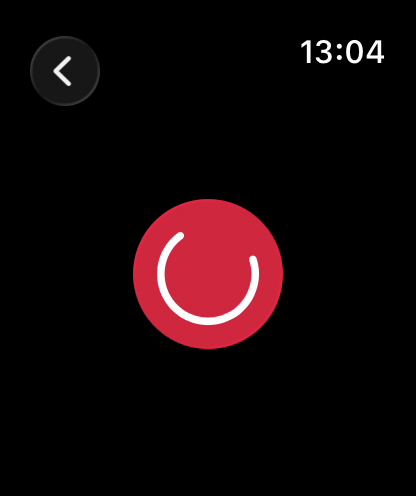
Watch — deploying
416×496 · png
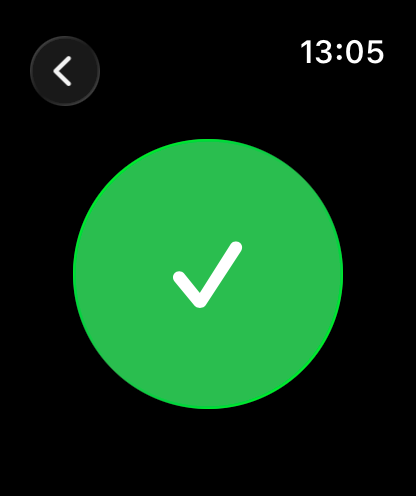
Watch — success
416×496 · png
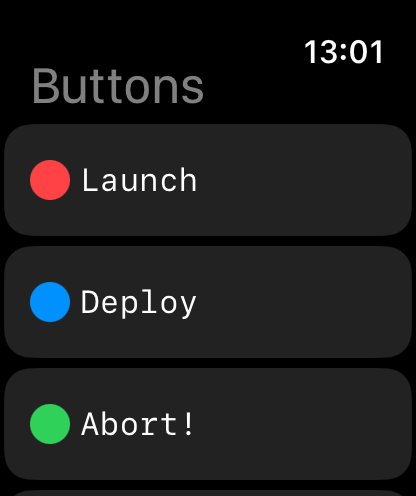
Watch — button list
416×496 · png