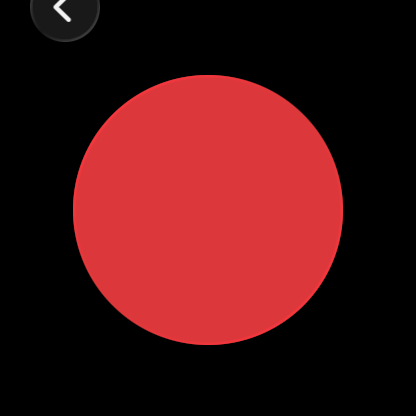
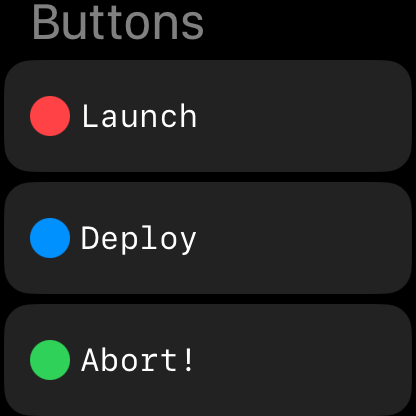

A handy button for your Watch to launch anything you like. Use with caution!
 Watch
Watch

A handy button for your Watch to launch anything you like. Use with caution!
// try it
> POST /big-red-button
This one is safe. The ones you make are your problem.
Join the 30th Century with wrist/off.
// new in 2.0
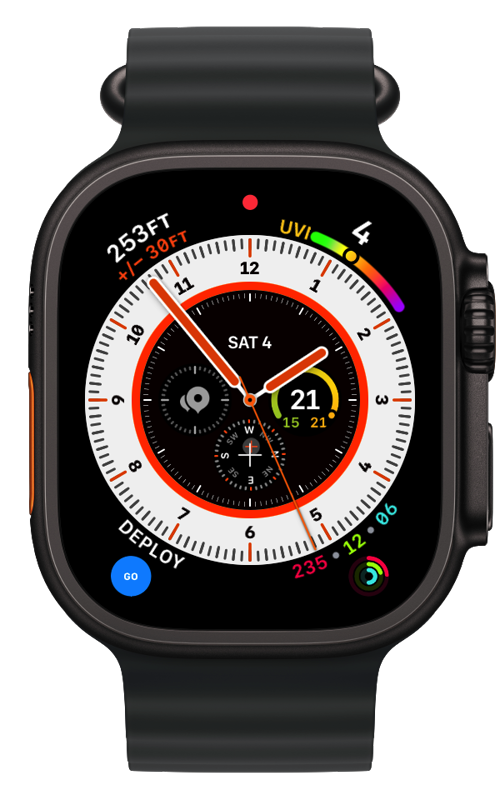
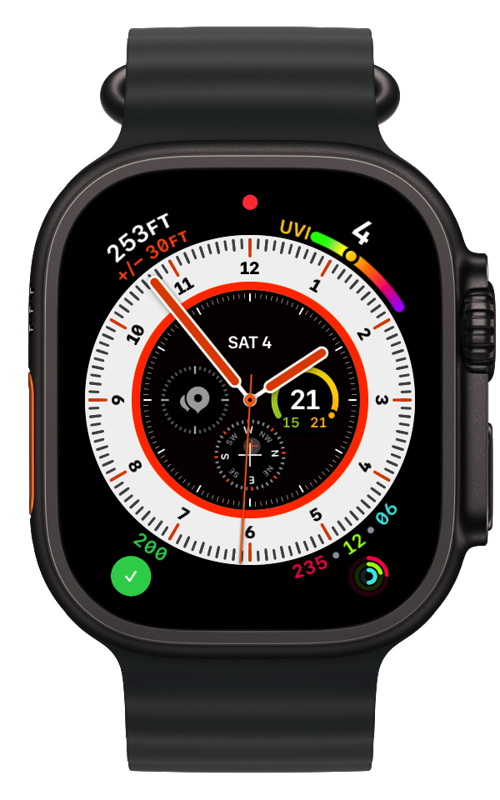
Complications in all four styles — circular, rectangular, corner (with a fancy curved label) and inline. Tap one and it fires right there on the watch face.
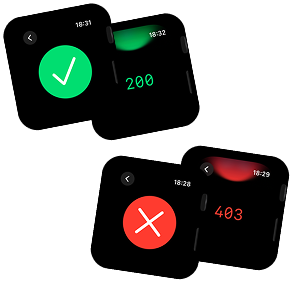
A little green 200 on your wrist, mid-meeting. Synergy!
// widgets
Home Screen buttons in three sizes, even stupidly big ones. Turn on Launch Direct and they fire straight from the Home Screen — no app-opening ceremony.
New in 2.0: buttons on your Lock Screen too, and colours that survive Tinted and Clear Home Screens instead of turning to grey slime.
// the shiny stuff
On iOS 26 and watchOS 26 the deploy button is a blob of tinted glass that morphs into the spinner, then into your result. You will press it just to watch it do that.
A wrist/off deploy button right in your watch's Control Center on watchOS 26. Swipe, press, shipped.
everything else works back to iOS 18.2 / watchOS 11
// any http request
Call any HTTP URL. GET, POST, PUT, DELETE, HEAD — plus headers, request body and basic auth. Customise to a degree unheard of in wrist-based action history.
GitHub Actions, Vercel deploy hooks, Home Assistant, Jenkins, that cursed internal tool — if it has a URL, it has a button.
// receipts
See a nice success or failure result and scroll up to see the status code. Then make whoever failed you pay...
// also phones
You can even deploy from your phone if you like, but that is boring.
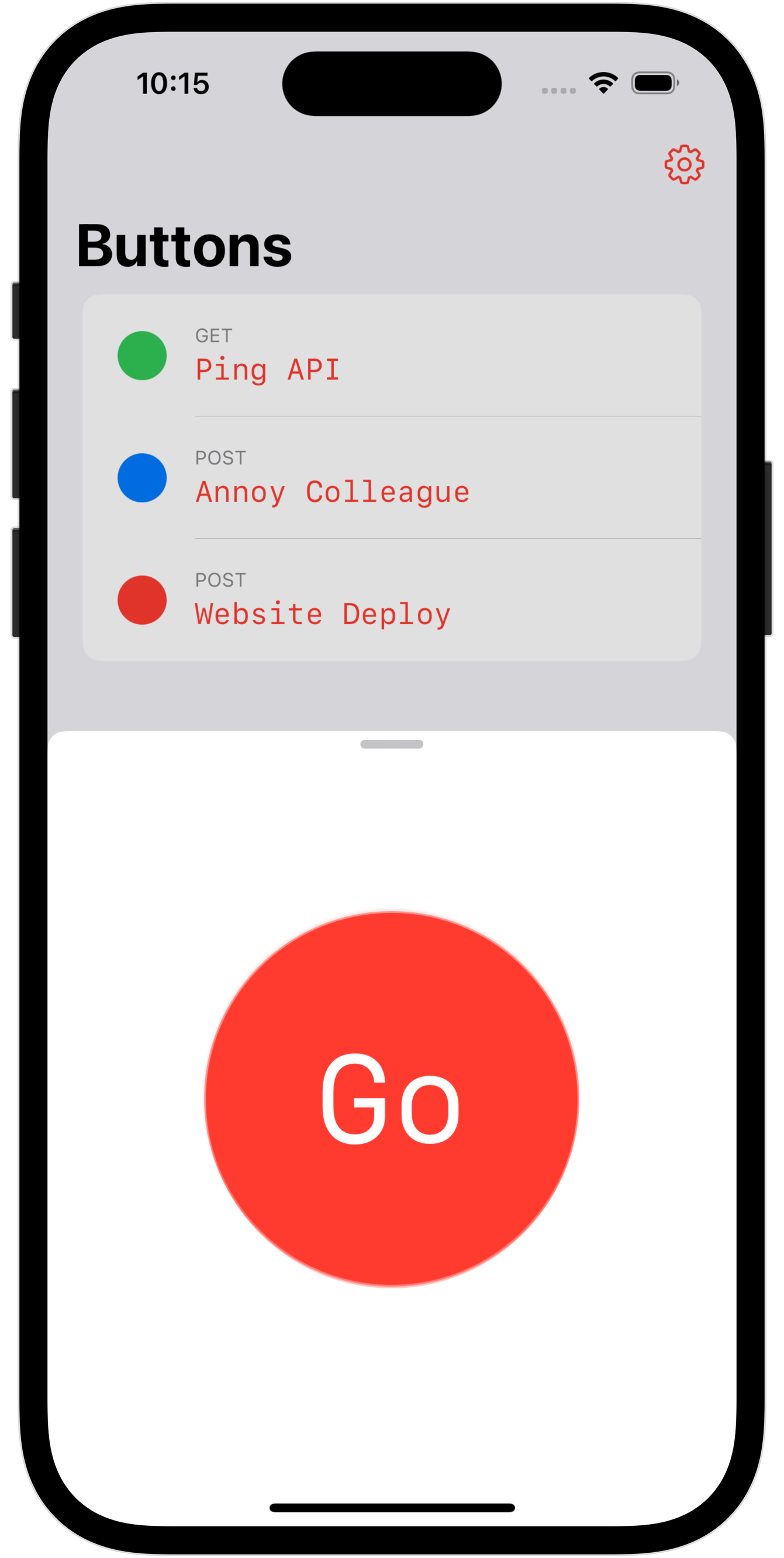
"Siri, fire wrist/off button." Every button gets its own Shortcut automatically — wire them to your Action Button or into weird workflows that I don't want to hear about.
Sync your buttons across your devices. Did you bring your giant iPad to work instead of your phone? That's FINE.
// pricing
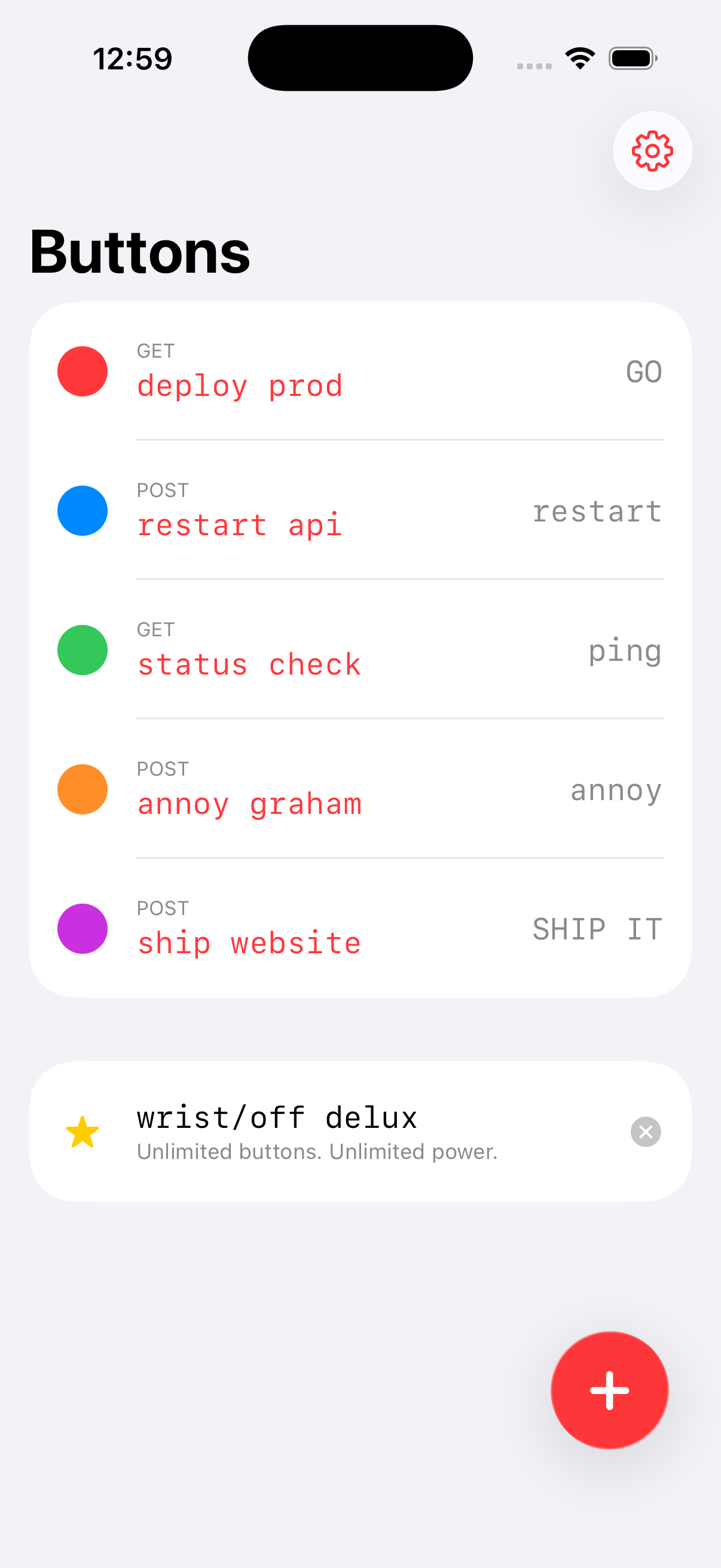
Your first button costs nothing. When one button stops being enough — and it will — wrist/off delux unlocks the rest.
Unlimited buttons. Unlimited power.
One tap inside the app. No subscription-guessing games here — the App Store will tell you the damage.
No analytics. No tracking. No wrist/off servers — there aren't any. Your buttons live on your devices, sync through your own iCloud, and requests go straight from your wrist to your endpoint.
requires iOS 18.2+ · watch app requires watchOS 11+ · Liquid Glass require iOS/watchOS 26+